Profile — showcase who you are

1Create your bio

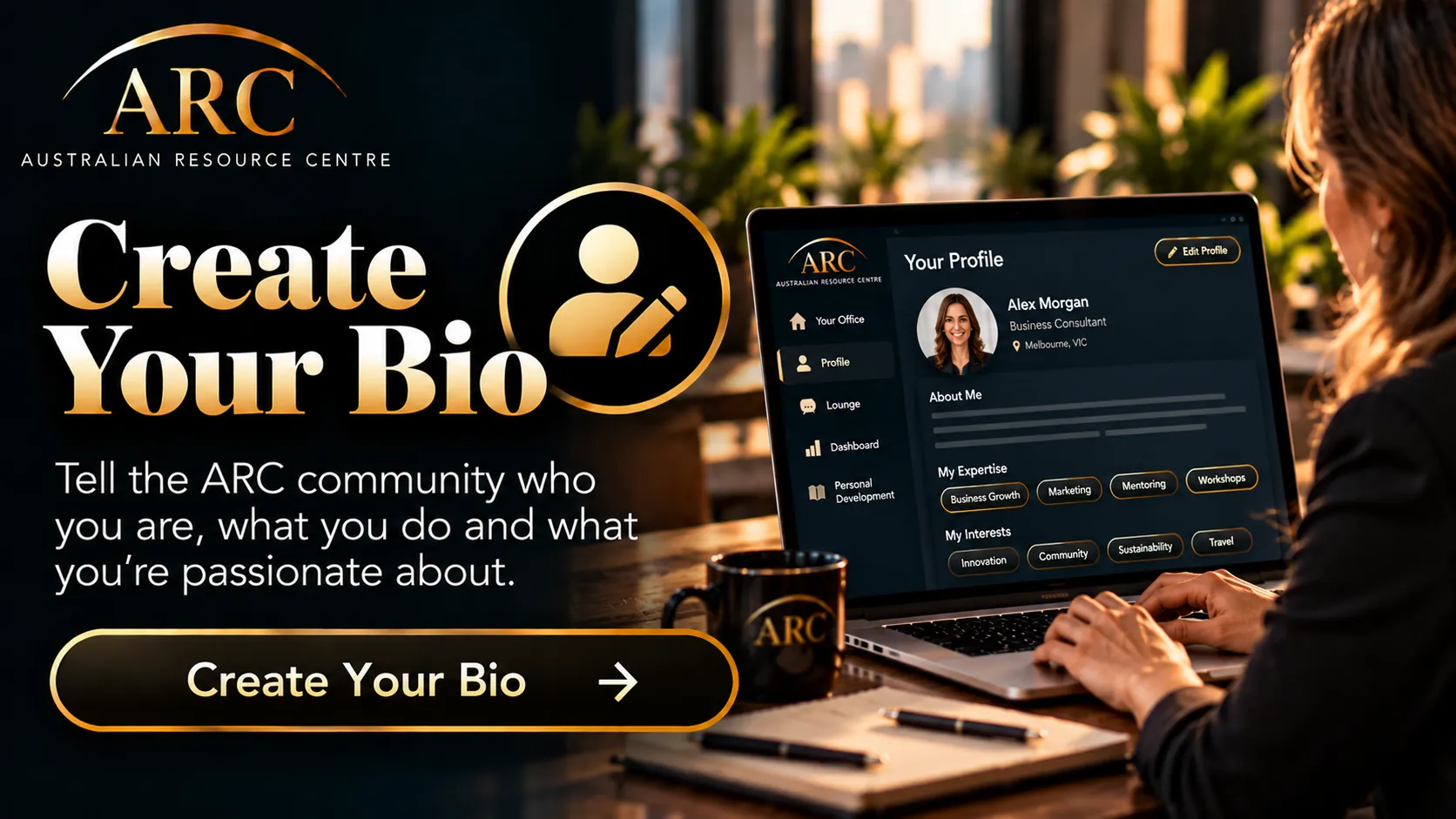
Tell the ARC community who you are, what you do and what you’re passionate about — it is how members, and ARC’s matching, find you.
Create / Edit Your Bio

2Add your offer

Why your offer matters

Imagine joining ARC and finding $10,000 of marketing, $15,000 of AI support and $20,000 of finance advice on offer to your business — free, from fellow members. That value grows every time a new member adds what they offer.
Your offer is your share of that value: something of real value, with no cash to pay, that gives ARC members a reason to talk to you.
Add Your Offer

3Your client profile

The problems you solve and the businesses you serve. ARC uses this to put you in front of the members who need you.

3Upload your tools & resources

Share useful tools, resources, templates or links with the members they suit.
Upload a Tool / Resource

Tools & resources

Software, apps, digital tools, templates and business resources you provide. Say who each is for and add its link; ARC shows it only to members who fit.

6Upload your events

Create and share your events and workshops — members find them in the Lounge.
Upload / Create an Event

7Upload your articles

Create and publish an article for the ARC community and share your knowledge, ideas, experience or expertise.
Upload Your Articles

8Add your podcast

Publish your podcast and its episodes so the members it suits can find it and listen inside ARC.
Add Your Podcast

5Update your perfect referral partner

Tell ARC who makes the perfect referral partner for your business so we can help identify useful connections.

10Get the ARC app on your phone

It’s good to have ARC on your phone and in your browser. We’ll email you the members app link — open it on your phone and add ARC to your home screen — everything in the ARC network, one tap away.

11Invite & earn — bring value back

ARC grows when members invite good people in. Every person you invite grows your own network and your standing in ARC.

↑ Above this banner: the key to connecting with the ARC community.

↓ Below this point: optional extras.

12Create a group

Start a group around a topic, a stream or the people you work with.
Create a Group

13Create a club

Start a club for members who share an interest — it gets its own chat and notices.
Create a Club

14Your groups & clubs

See the groups and clubs you belong to or have created.
Open my groups & clubs

Groups & clubs you run

The controls for the groups, clubs and forums you manage. When there is nothing to manage, this stays quiet.

15Post a job

Offering work experience, a placement, a project or a paid role? Post it on the ARC opportunities board and applications come straight to you.
Post a Job

ARC Networking

Meet members face to face at a Melbourne chapter or online each week — or help start a chapter near you.
Join ARC Networking